
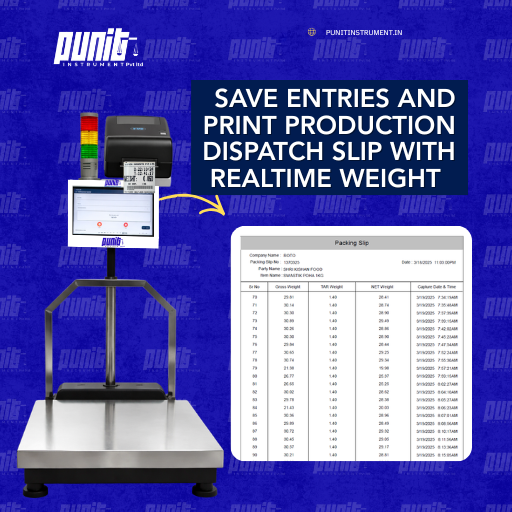
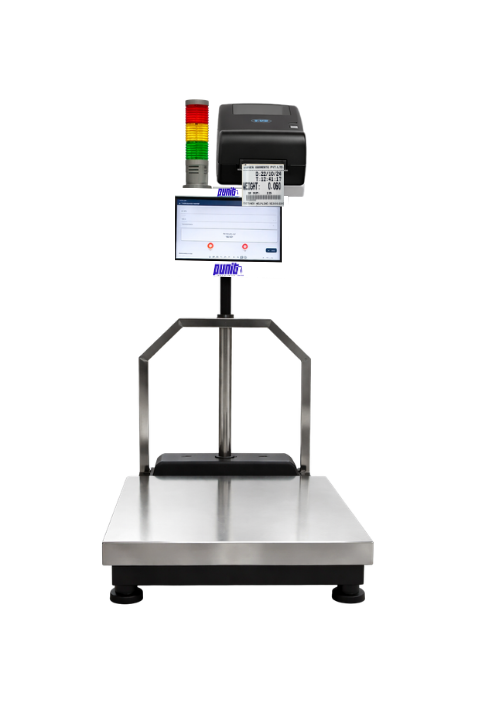
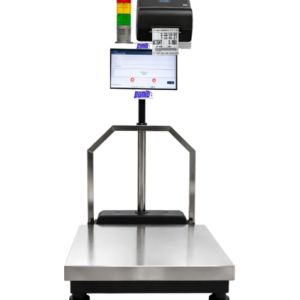
This is How Our Pinnacle Weighing Scale WIth Printer & Inventory Management Works.
| Step | Process | Description |
|---|---|---|
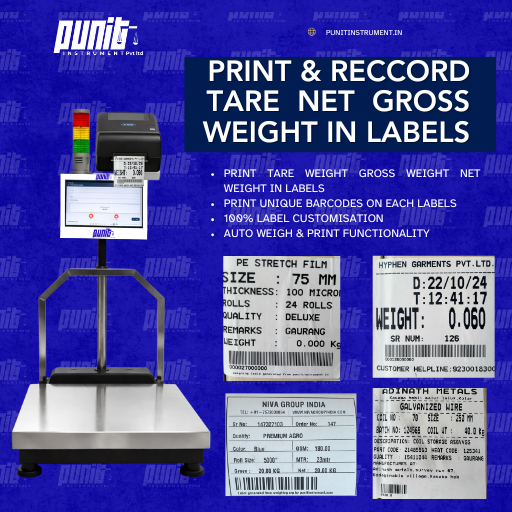
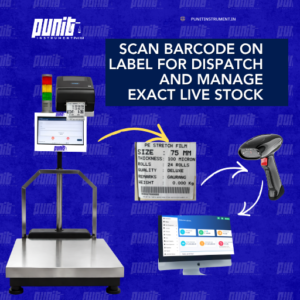
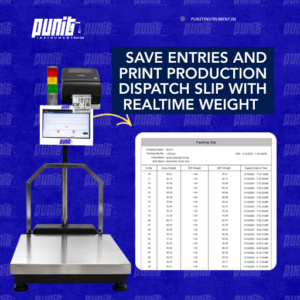
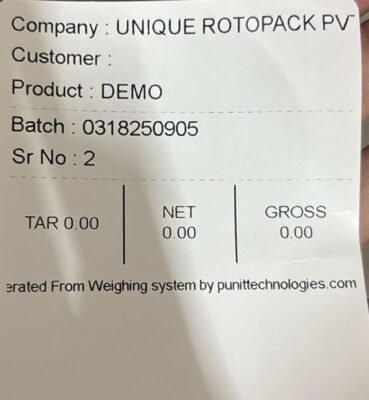
| Step 1 | Place Product → Weigh → Label + Product Weighing Slip Generated | The product is placed on the weighing scale. The system automatically captures gross, tare, and net weight, prints the barcode or QR label, and generates a product weighing slip. Automated weight capture and label printing eliminate manual errors and ensure instant processing. |
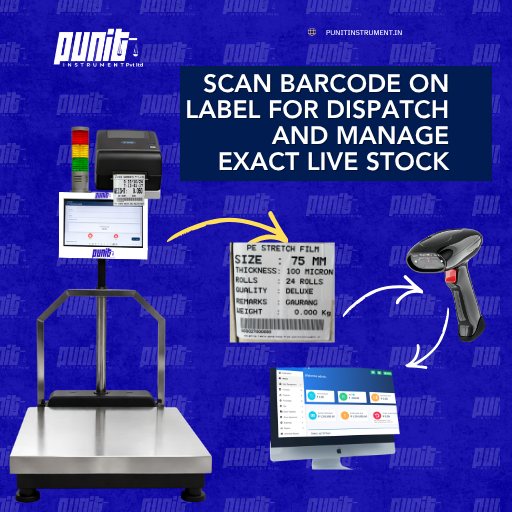
| Step 2 | Dispatch by Scanning Barcode → Dispatch Weighing Slip Generated | During dispatch, the barcode or QR code on the label is scanned. The system verifies the weight and automatically generates a dispatch weighing slip, ensuring accuracy and eliminating manual errors. This enables smooth and paperless dispatch operations. |
| Step 3 | Automatic Inventory Deduction & Cloud Reporting | After dispatch, inventory is automatically updated based on the scanned weight. All transactions are synced to the cloud in real-time, providing detailed reports on stock, dispatch, and inventory movement with ERP-ready data. |
Live Demo Of Our Pinnacle Weighing Scale With Printer
In this video we have shown how does our weighing scale with printer print labels , and we have also shown how do we track live inventory of our system !
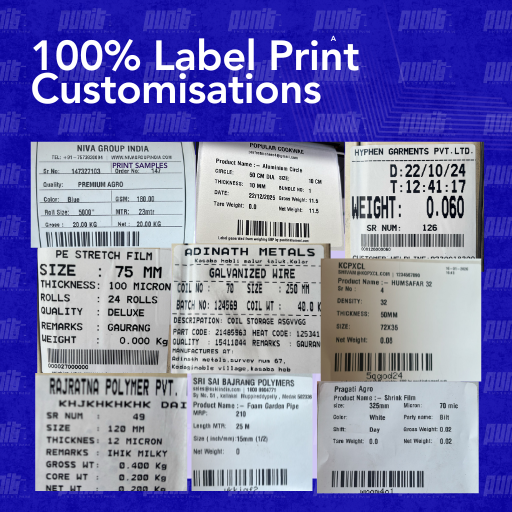
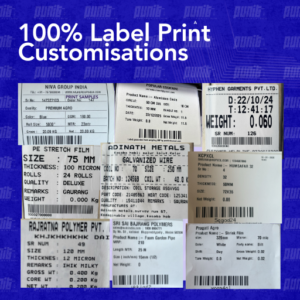
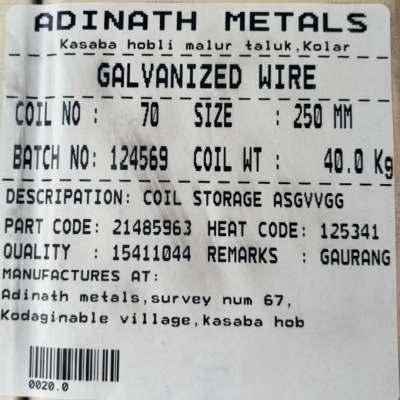
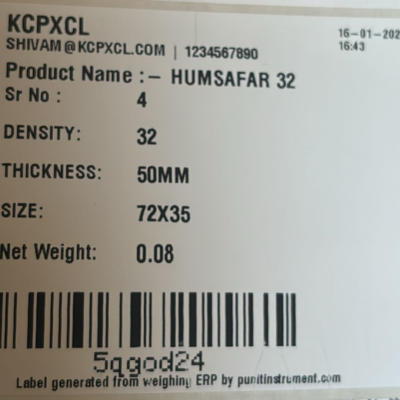
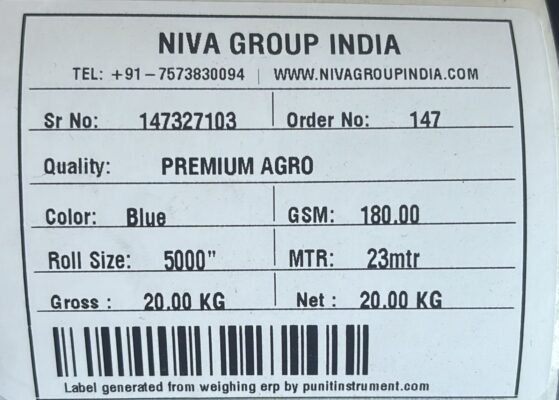
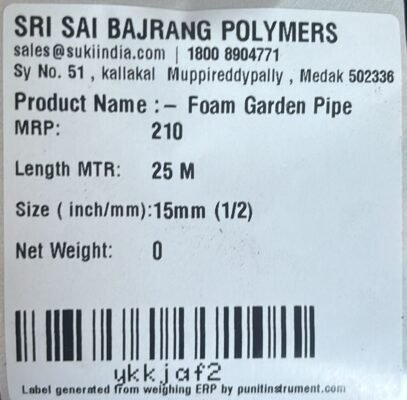
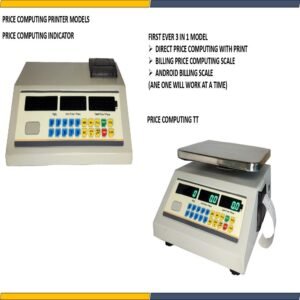
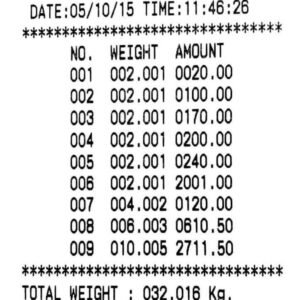
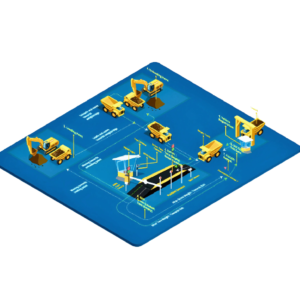
Few Of Our Client’s Label Samples Generated From Our Industrial Weighing Scale With Printer Solution
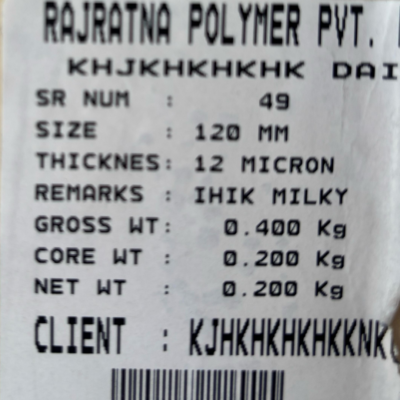
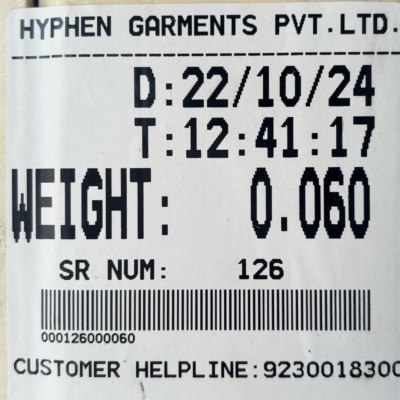
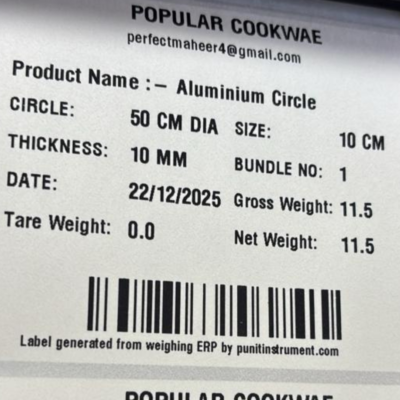
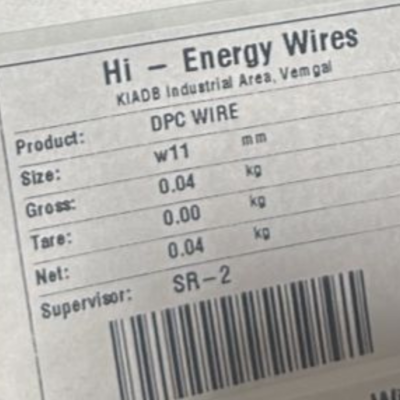
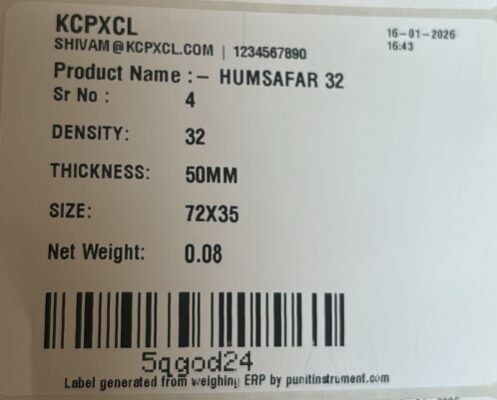
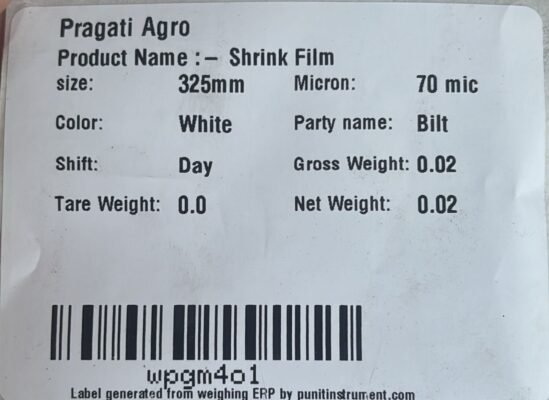
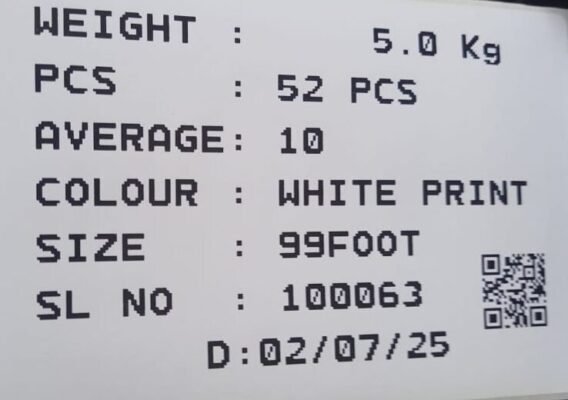
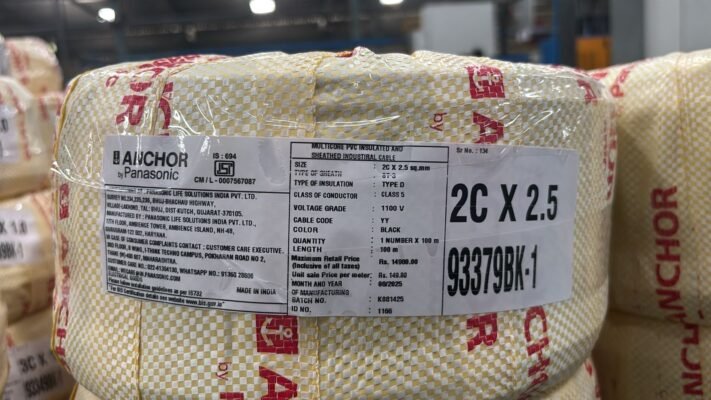

Reviews
There are no reviews yet.